

Tesla UK Referral Scheme 2026
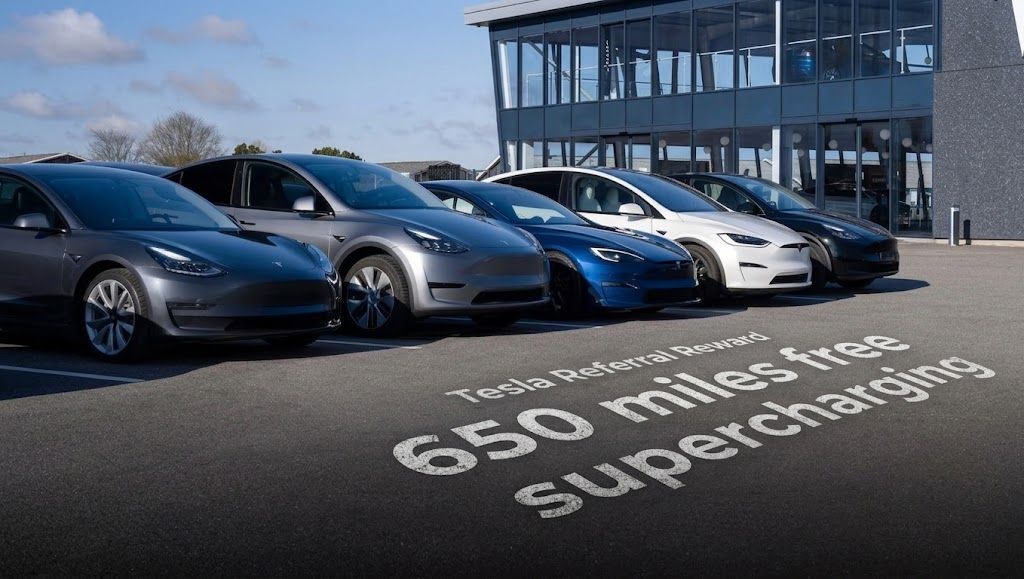
Tesla Referral Rewards are available for recommending someone who purchases a new Tesla Model 3, Model Y, Model S, or Model X. In the UK, using a referral link gives buyers up to 650 miles (1,000 km) of complimentary Supercharging credit (Model 3 and Model Y) or a £500 discount on the purchase price (Model S and Model X).
If you’re outside the UK, you can still use a Tesla referral code, like greg306697, to purchase a new Tesla or Solar Roof. However, the referral rewards may vary depending on the country. Remember to change your location on the Tesla website, as clicking a UK referral link will initially take you to the UK version of the site.
To use a referral link:
- Click on the official Tesla referral link (
https://ts.la/greg306697 - Select your preferred car (Model 3, Model Y, Model S, or Model X) and customize your configuration (paint, wheels, interior, tow bar, or software options).
- Verify that the referral discount or Supercharging credit banner is visible during the order summary screen.
- Pay the order fee to lock in your car. Your rewards will automatically attach to your Tesla account and activate upon vehicle delivery.
Using a referral link for a Model 3, Model Y, Model S, or Model X will secure your buyer rewards upon delivery. Referring someone who buys or leases a Tesla also earns you Tesla credits once their order is complete. You can then start referring others to build up your own credits.
Check the Tesla Inventory for vehicles ready for immediate delivery by entering your postcode. If you’re outsi
Yes, you can use a Tesla referral code at a Tesla showroom. Just provide the sales advisor with the code, such as greg306697.
You cannot add a referral code after placing a Tesla order. The full terms of the Tesla referral scheme are available on their website.
Buying a Tesla online is generally a straightforward process.
To find your Tesla referral link, open your Tesla app. Tap the cube icon next to your profile picture, and the Tesla Referral Rewards section will appear. Tap the blue button to share your link. This section also shows your credit balance and redemption options.
To check your Tesla referral credit balance, open the Tesla app, tap the three lines, then your profile image, and finally “Wallet.” Credits are pending until the referred Tesla is delivered. They are valid for 12 months,
Tesla referral credits can be used for Supercharging, Tesla accessories, software updates, and vehicle servicing.
Here’s how to use them:
- Tesla Shop: Select “Tesla credits” at checkout.
- Supercharging: Go to “Charging” in the app and select Tesla credits.
- Software Upgrades: Go to “Upgrades” -> “Software” and select Tesla credits at checkout.
- New Vehicle Purchase: Apply credits toward the deposit on the final invoice.
- Vehicle Servicing: Use credits for payment after the service is completed.

Essential Tips for New Tesla Owners:
- For those looking to track their Tesla order, a VIN code extension can be helpful. This Chrome extension searches your Tesla account for the VIN even before it’s officially displayed.
- Some Tesla options, like paint color, can be changed before delivery. Others, like the tow bar and software upgrades, can be added later. Software updates constantly improve the vehicle.
- Consider trying Tesla’s Autopilot before purchasing Enhanced Autopilot. If you find the added features valuable, you can add it later. Referral credits can be used for software upgrades.
- When collecting your Tesla, use this checklist app to ensure everything is in order. You have 72 hours to report any issues. Watching walk-through videos and attending a Tesla Owners UK orientation can be helpful.
- Yes, there is a discount for buying a new Tesla. The amount varies by region.
- Tesla relies on word-of-mouth marketing. The referral program benefits both the referrer and the new buyer. The current program offers a discount on the vehicle itself, which many find preferable to credits.
Refer, Earn, Enjoy!
Referrals
Lightning Fibre Code
Octopus Energy Referral
Octopus Electroverse Referral
PayPal Referral
Revolut Referral
Tesla Referral
TopCashback Referral